Free • No download
Acquire unique skins, assemble your ideal collection, and rise in the rankings. Try your fortune and start opening cases!
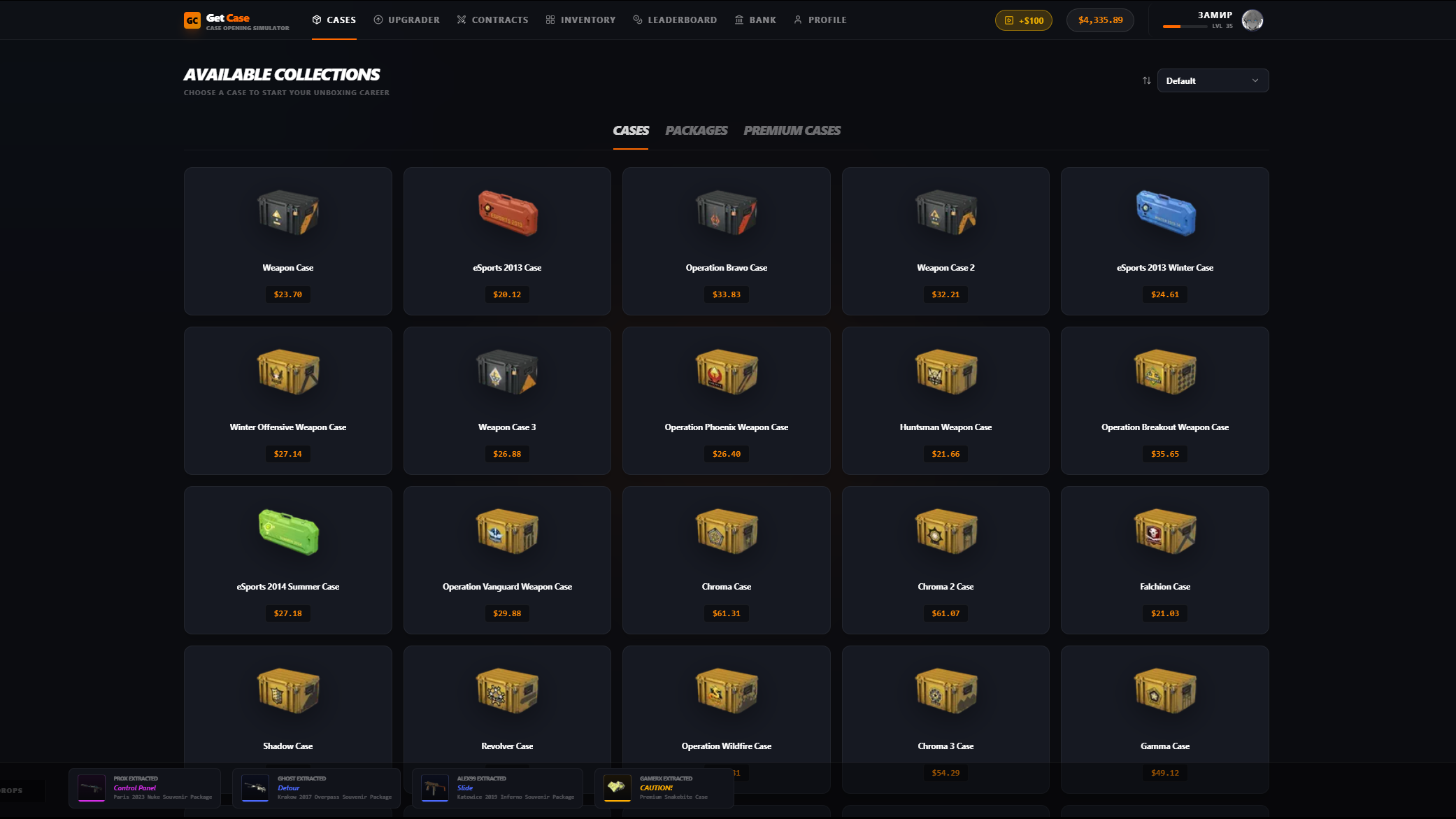
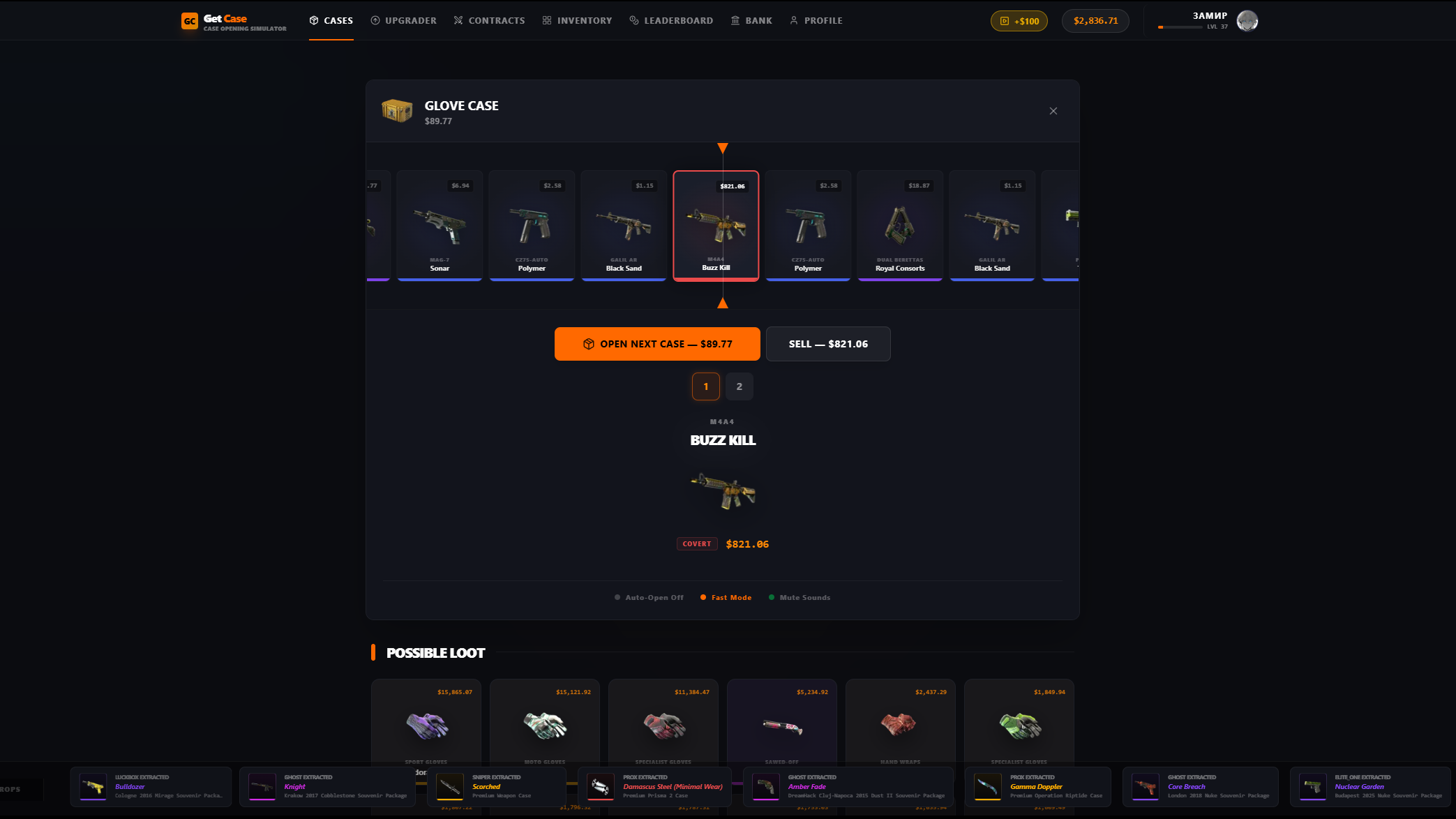
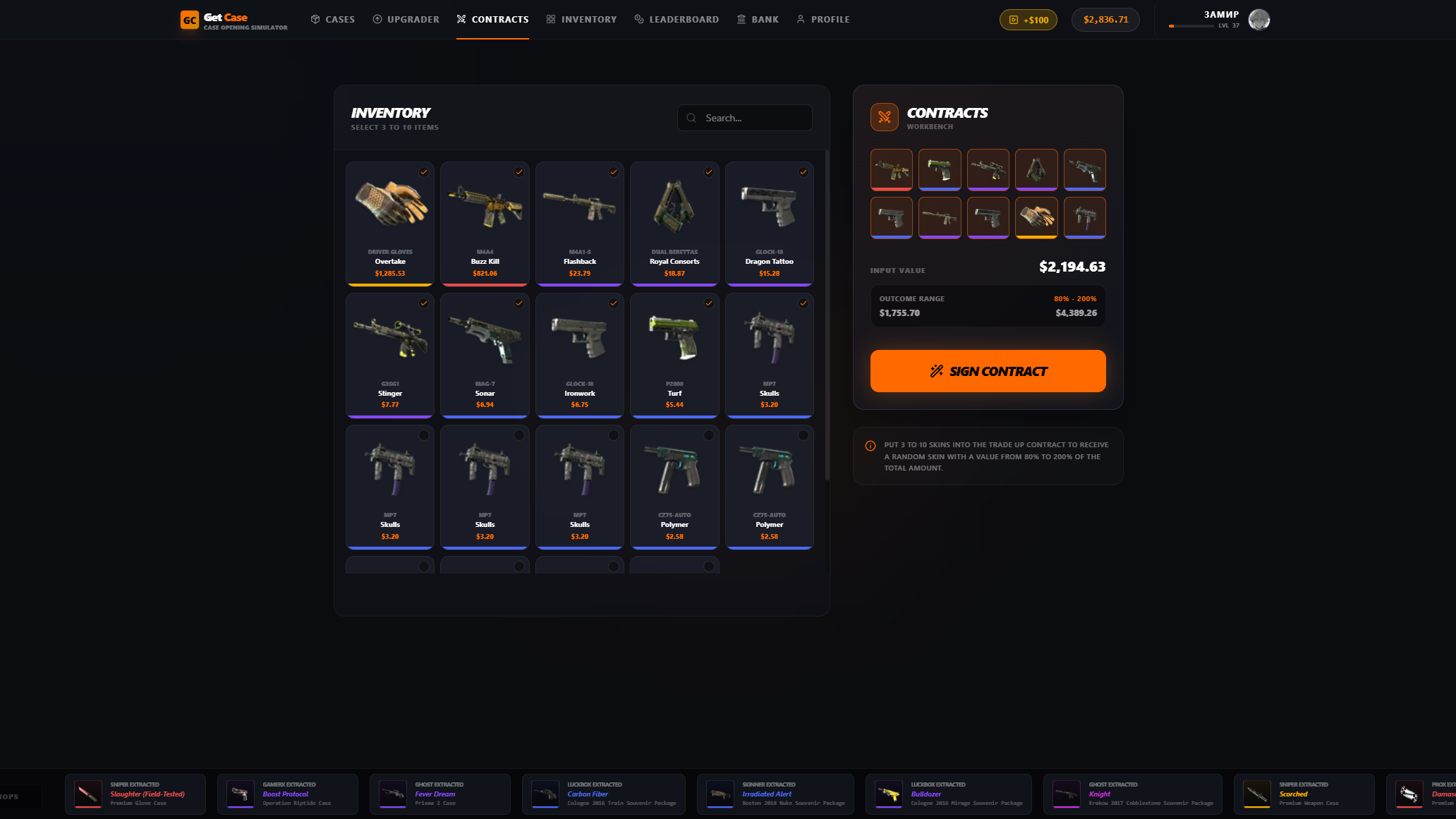
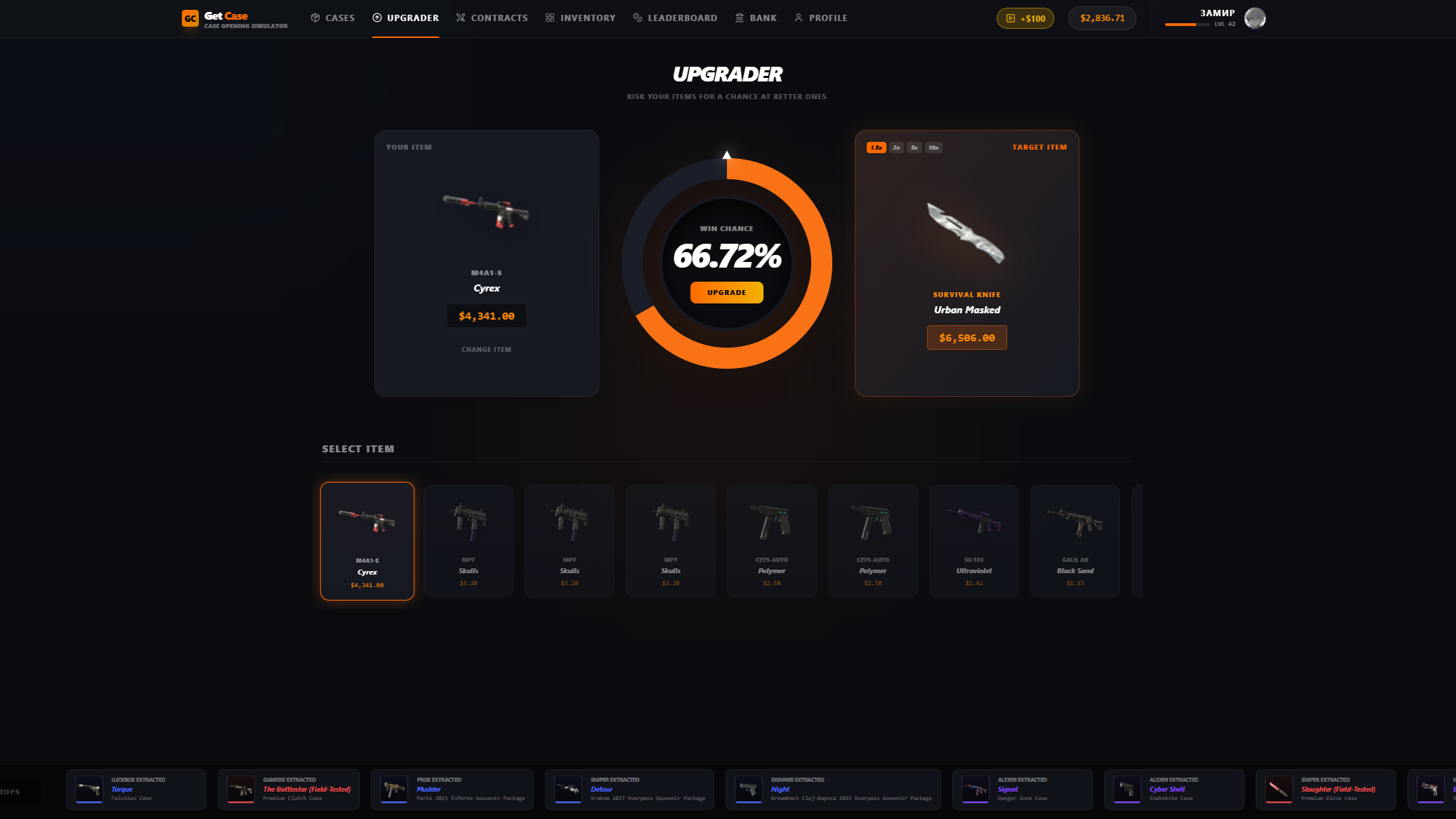
In «Get Case — Case Opening Simulator», the controls are easy to understand: just click the mouse or tap the screen. To open a case, pick one you like on the main screen and press «Open» to start the roulette. Each opening costs in-game currency. Check out the «Inventory» tab to keep track of your items. You can sell skins you don't want to get more currency for pricier cases. If you're after rarer items, use the Contracts system: combine 10 skins of the same rarity to get a random item of a higher rarity level. With the Upgrader, you can try your luck by upgrading a skin from your inventory to a more valuable item. Choose the multiplier and chance of winning. If the roulette lands in the green zone, the upgraded item is yours! Climb the leaderboard by building the most expensive inventory and competing with other players!
Yes. You can play Get Case - Case Opening Simulator online for free without buying the game or creating an account.
Yes. The game runs in a modern browser on phones, tablets, laptops, desktops, and Chromebooks.
No. Press Play and the browser game loads directly on this page.
Games related to Get Case - Case Opening Simulator.