Free • No download
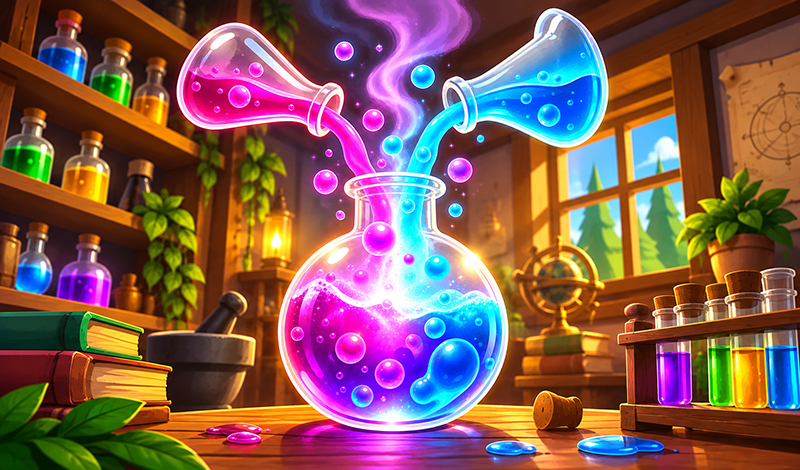
Dive into the lab and mix dangerous potions! With 140 recipes, orders, and upgrades, Oops, It Blew Up: Lab Simulator offers endless fun. Explore from a simple closet to a soaring tower!
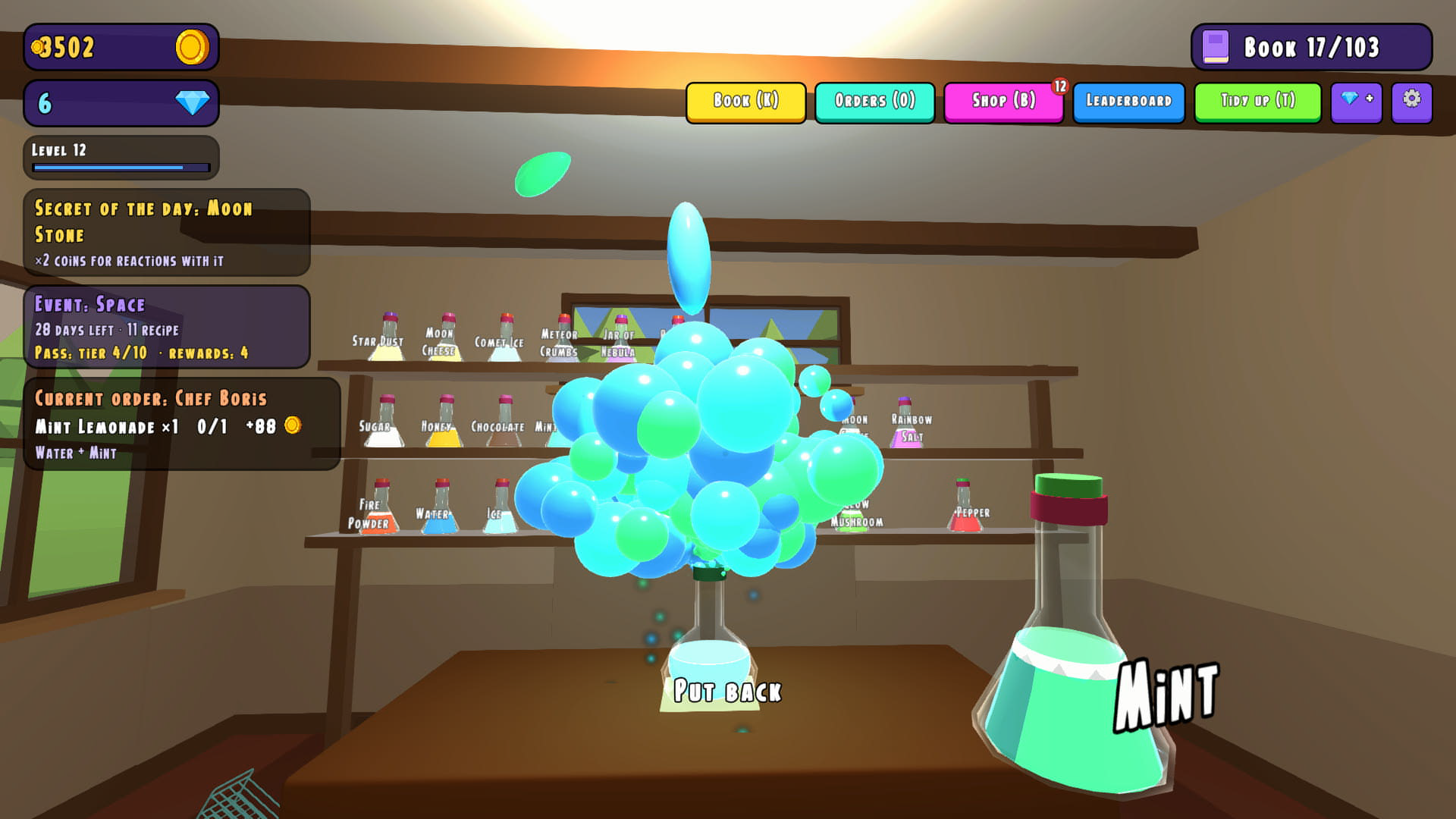
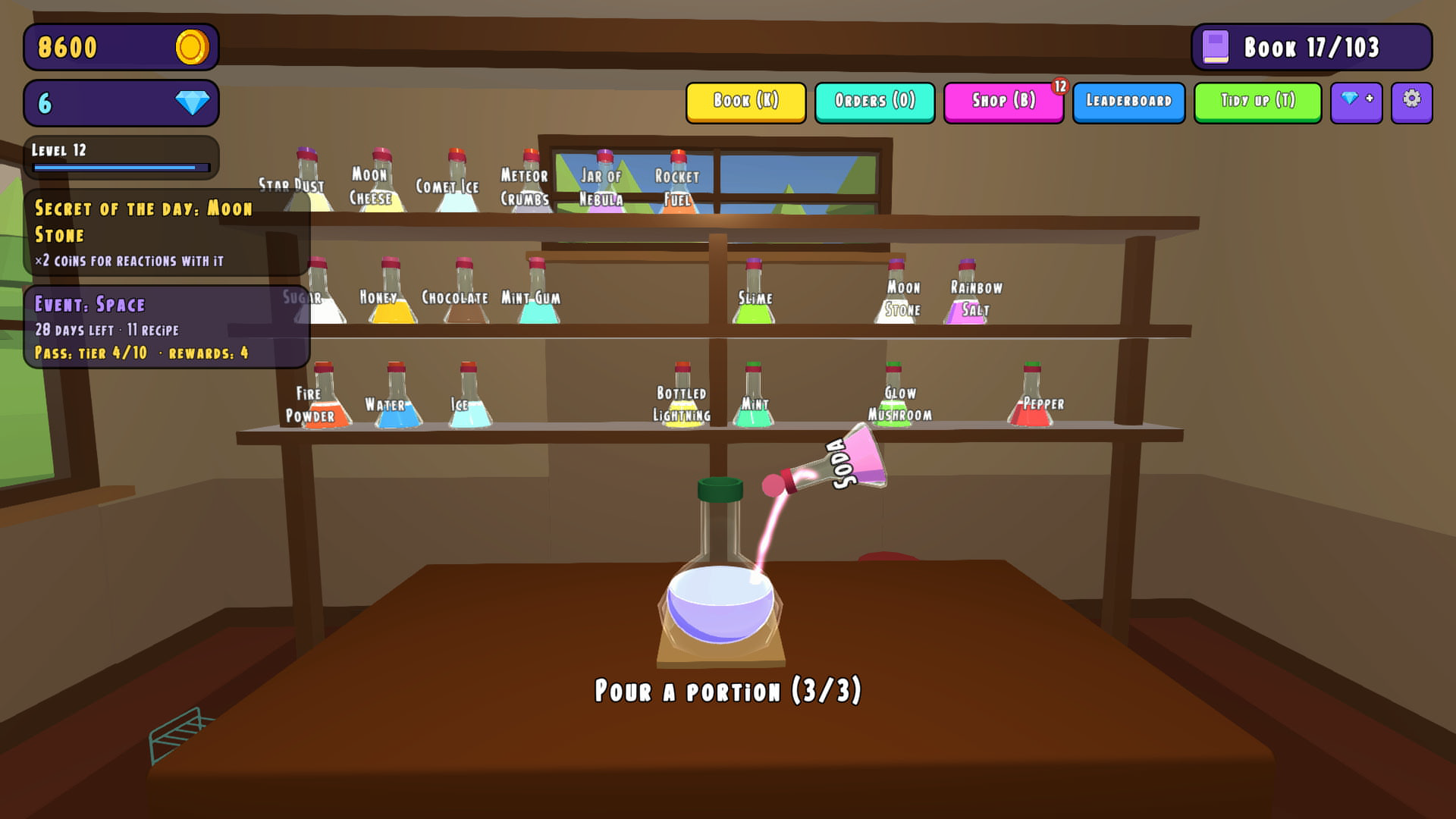
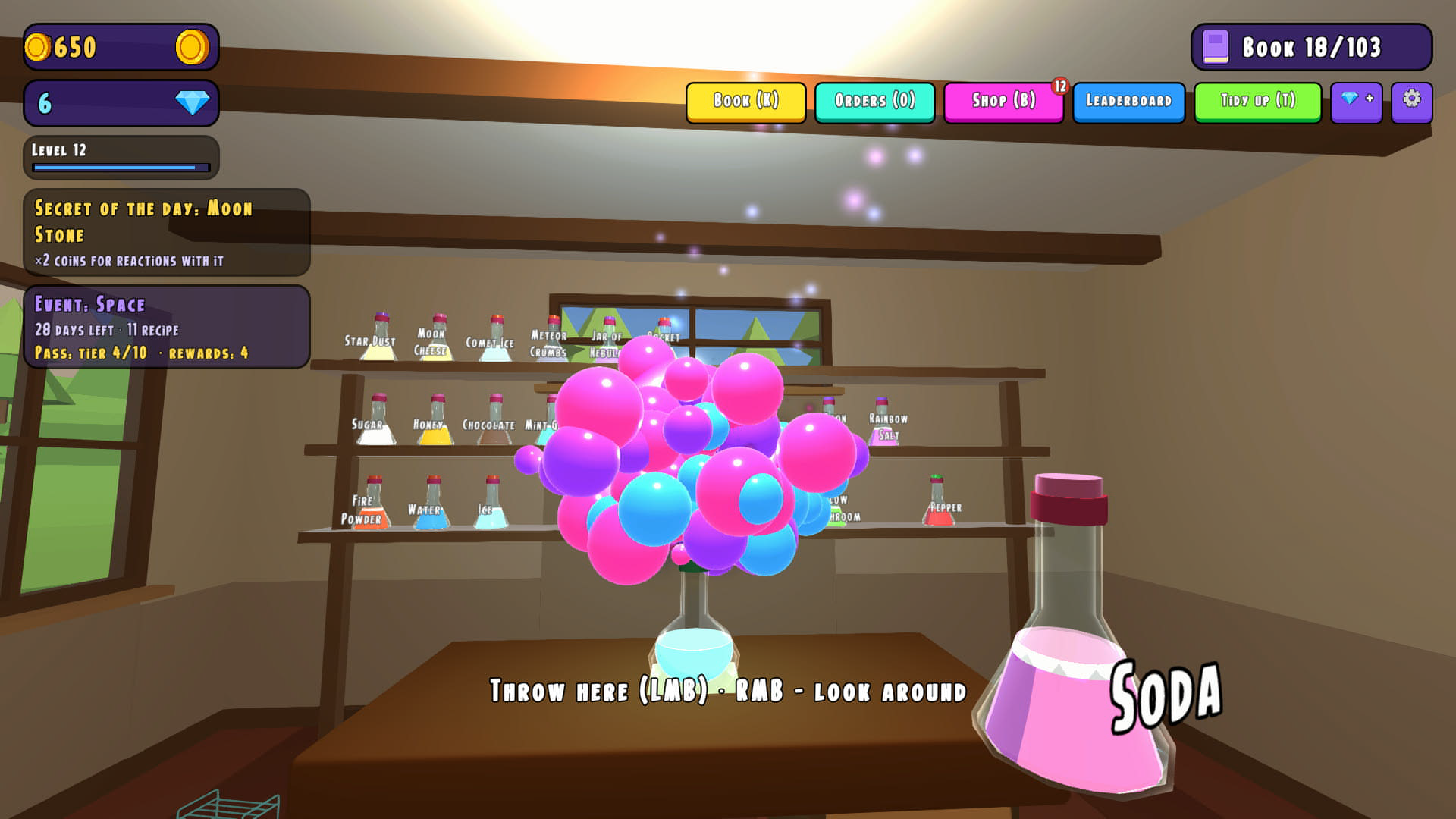
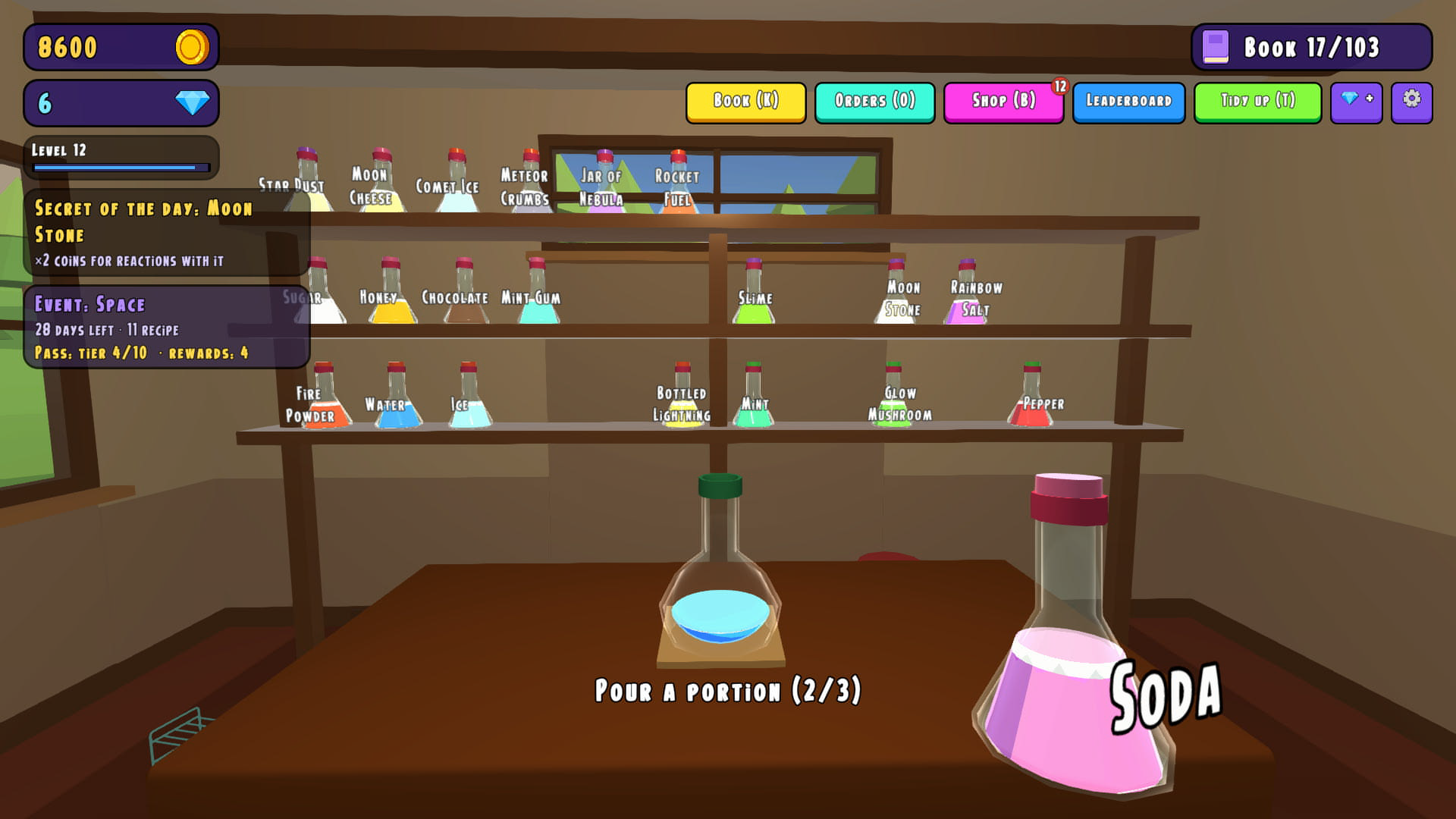
On a PC: * WASD or arrow keys — to move; * right mouse button — hold and move the mouse to explore the surroundings; * left click on an object — pick up a jar, pour into the flask, open a cabinet; * left click in an empty space — discard the item in your hand; * E — sell the potion, Q — empty the flask, T — clean up; * K — recipe book, O — orders, B — shop, Esc — close the window. On a mobile device: * joystick in the bottom left corner — to move; * swipe across the screen — to look around; * quick tap on an object — to interact, tap on the floor — to throw; * buttons along the screen edges — access to the book, orders, shop, selling. How to create a potion: 1. Grab a jar from the shelf and tap the flask to add one dose. 2. Take another jar and mix its contents with the first one in the flask. The reaction begins when at least two different substances are combined. 3. See what you've created. You can sell the potion, complete an order, display it, or simply discard it and watch what happens. Don't worry about mistakes — even unsuccessful experiments bring new knowledge!
Yes. You can play Oops, It Blew Up: Lab Simulator online for free without buying the game or creating an account.
Yes. The game runs in a modern browser on phones, tablets, laptops, desktops, and Chromebooks.
No. Press Play and the browser game loads directly on this page.
Games related to Oops, It Blew Up: Lab Simulator.