
Free • No download
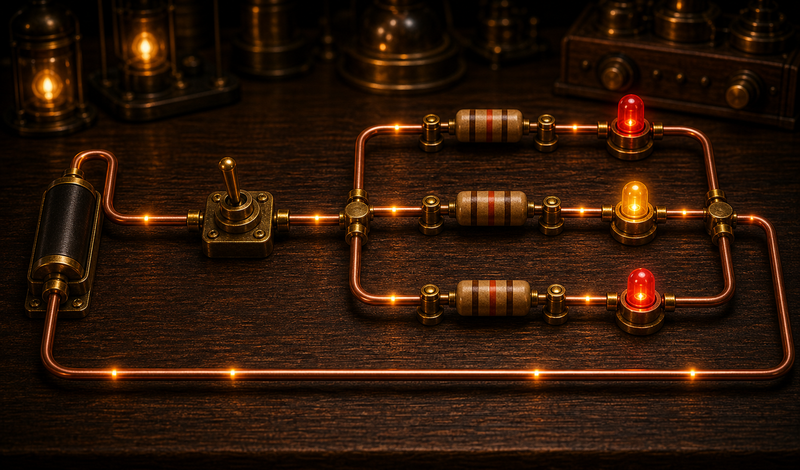
Dive into a retro lab and tackle engineering puzzles by building circuits, adjusting resistance, and mastering current in Workshop-7.
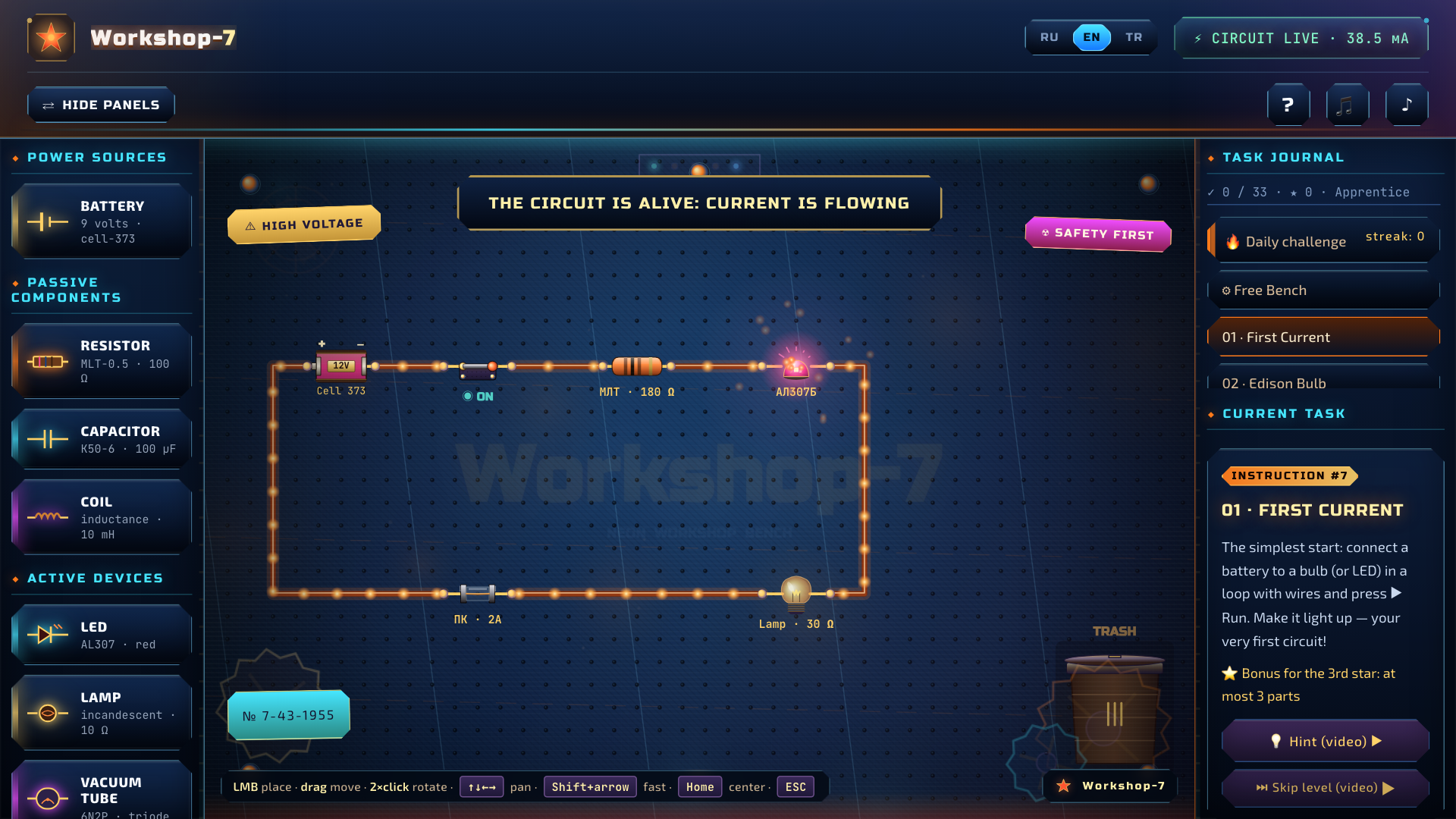
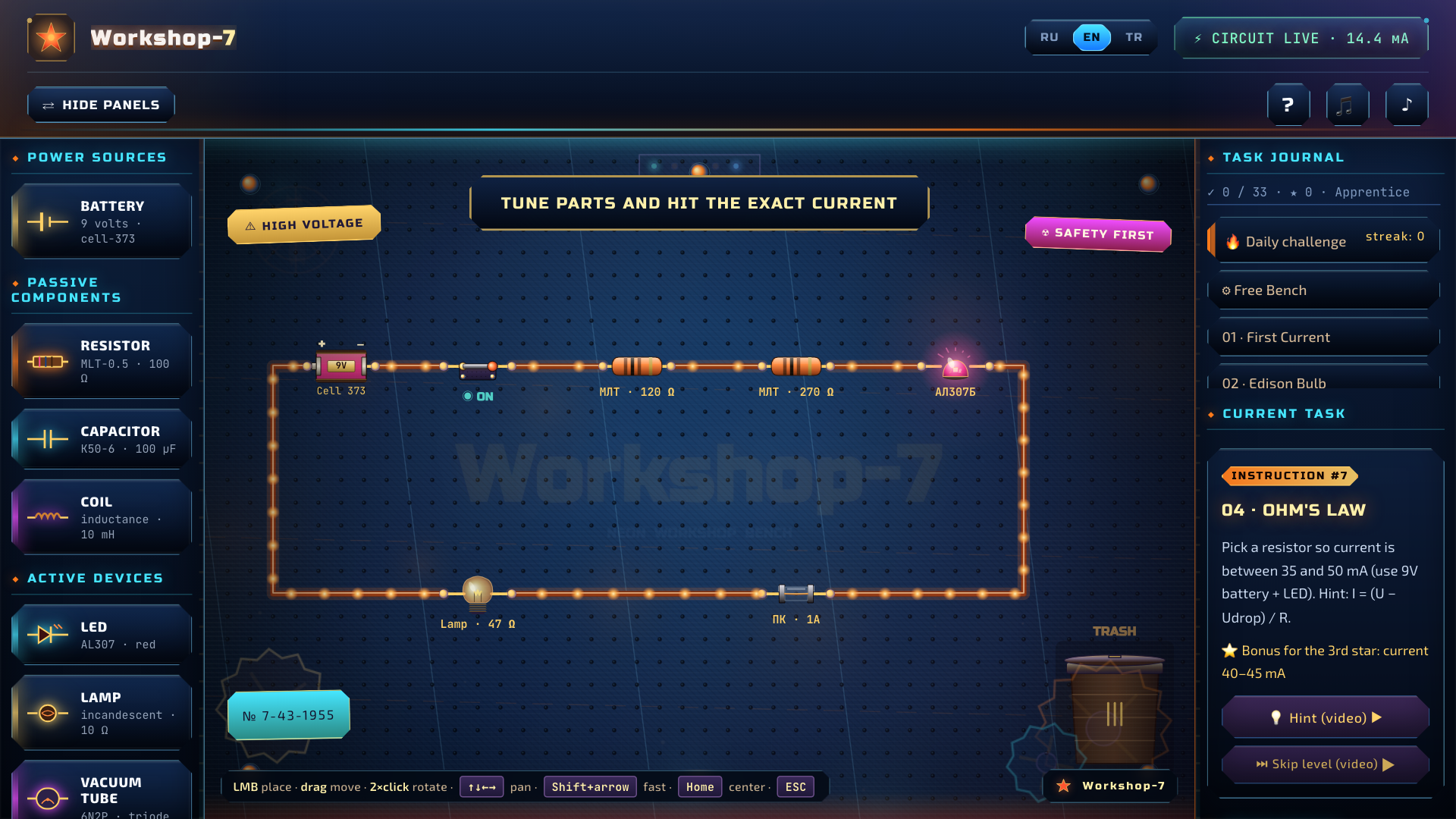
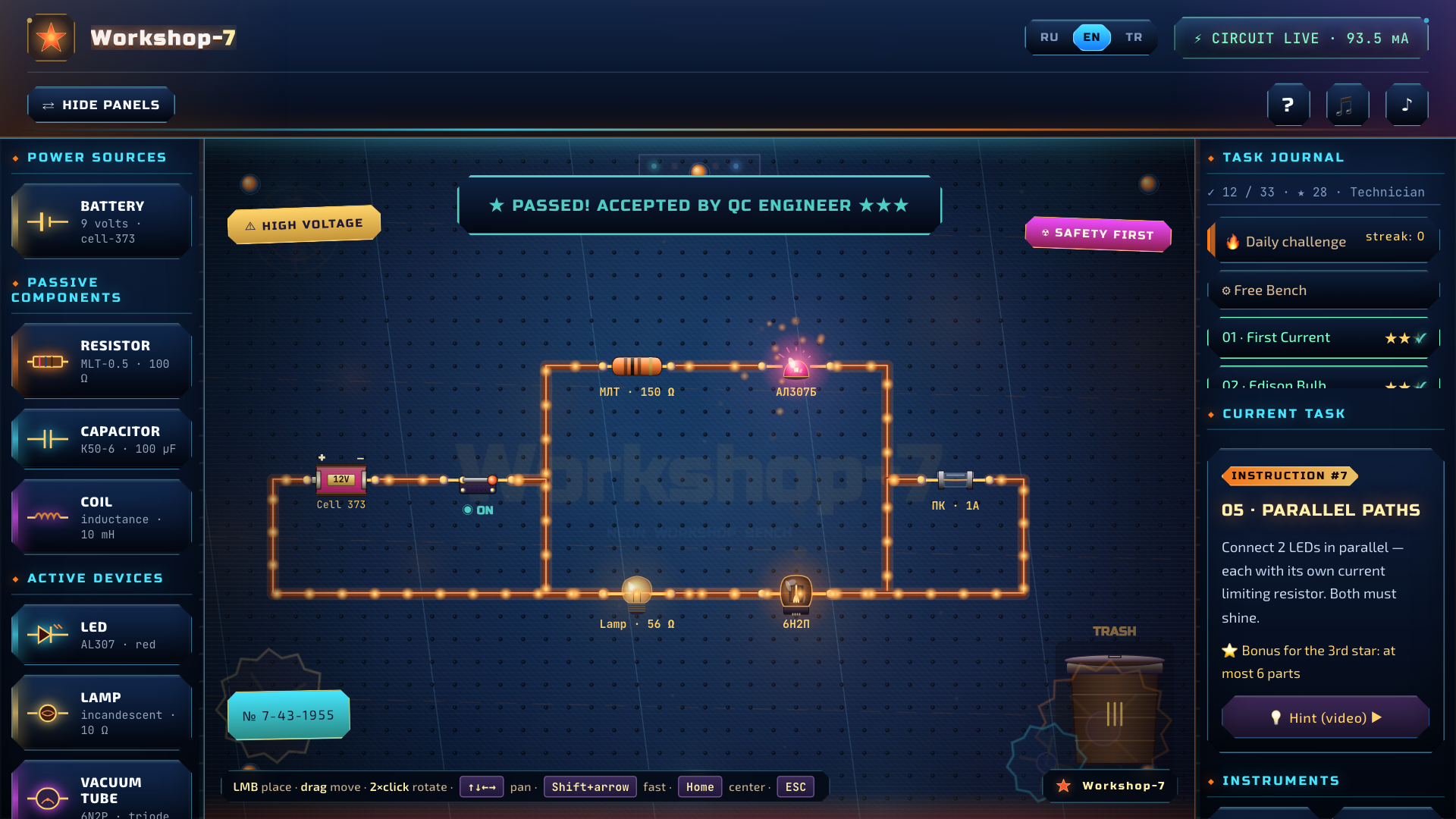
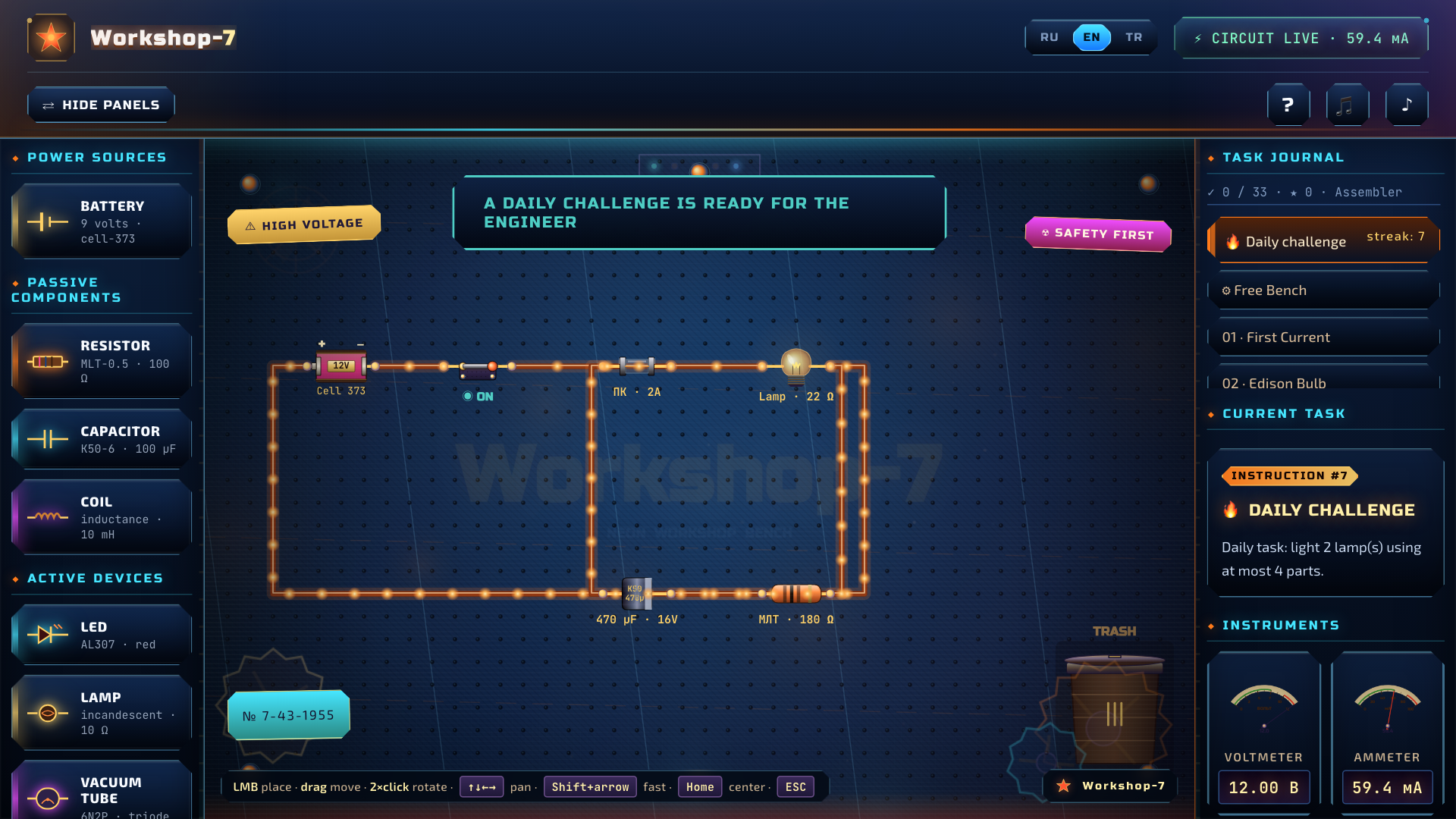
Controls: - Select a component from the catalogue on the left and click the workbench to place it. - Drag the part to change its position. - To rotate a part, double-click it — it will turn by 90 degrees. - Click on a component to modify its settings. - Dispose of unnecessary parts in the bin on the right. Wiring: - Use the Wire tool to connect the golden terminals. - Add bends between terminals if required. - Make sure the circuit is closed without any short circuits or overloads. Simulation: - Press Run to start the current flowing through the circuit. - If the installation is correct, lamps and LEDs will light up. - Switches control the opening and closing of the circuit. - A blown fuse indicates excessive current — replace it with a single click. Keyboard: - Numbers 1–9 allow you to quickly select parts. - W activates the Wire tool, R selects Remove, P submits the task. - Space starts and stops the simulation. - Esc cancels the current action or wiring.
Yes. You can play Workshop-7 online for free without buying the game or creating an account.
Yes. The game runs in a modern browser on phones, tablets, laptops, desktops, and Chromebooks.
No. Press Play and the browser game loads directly on this page.
Games related to Workshop-7.